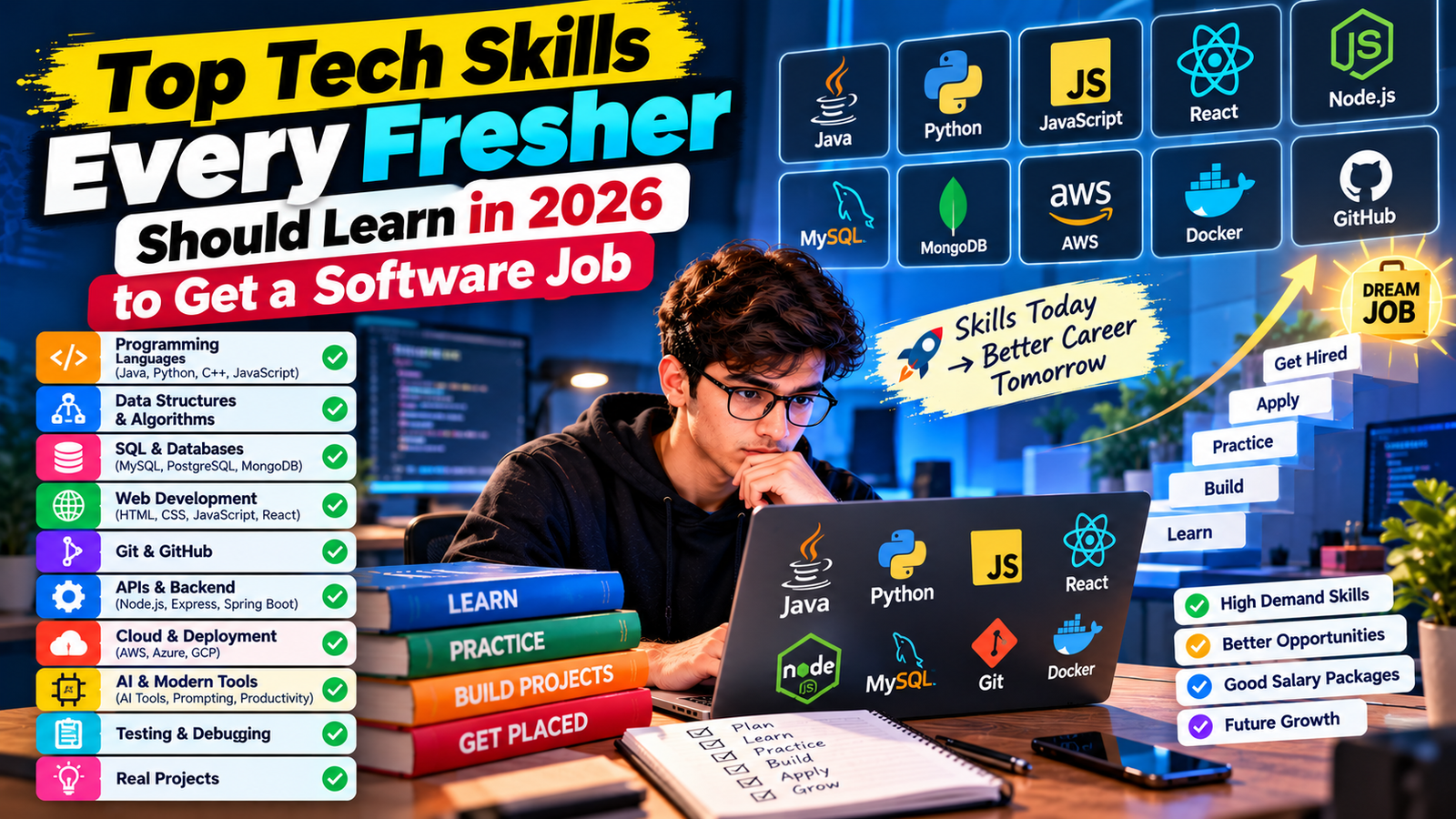
Creating videos used to require expensive software, a camera, and hours of editing. Not anymore. In 2025, AI has completely changed the game. You can now type a few sentences and get a fully generated video within minutes — for free. Whether you are a student, a content creator, a job seeker building a personal brand, or just someone curious about AI, these tools are worth knowing.
Here are the 5 best free AI tools for text to video that you can start using today.
1. Runway ML (Free Tier)
Runway ML is one of the most popular AI video generation platforms available right now. It offers a free tier that lets you generate short video clips from text prompts. The quality is surprisingly good for a free tool — you get smooth motion, decent resolution, and a variety of styles to choose from.
What makes Runway stand out is its Gen-2 model, which understands context well. If you type "a person walking through a foggy forest at dawn," it generates exactly that kind of cinematic clip. The free plan gives you limited credits per month, which is enough to experiment and learn. It is ideal for students who want to explore AI video creation without spending money.
2. Pictory AI (Free Trial)
Pictory is built specifically for turning long-form text — like blog posts or scripts — into short, shareable videos. You paste your article or script, and Pictory automatically picks relevant stock footage, adds subtitles, and even suggests background music.
The free trial lets you create up to 3 projects, which is enough to get a feel for how powerful it is. For freshers building LinkedIn presence or creating video resumes, Pictory is an excellent starting point. The interface is clean, simple, and requires zero video editing knowledge.
3. InVideo AI (Free Plan)
InVideo AI has a generous free plan that allows you to create up to 10 videos per week with watermarks. You simply describe what you want — "Create a 60-second video about interview tips for freshers" — and the AI builds a full video with voiceover, visuals, and text overlays.
What separates InVideo from others is its natural language editing. After the video is generated, you can type instructions like "make the intro shorter" or "change the background music" and the AI updates it instantly. This is a massive time saver and makes it feel less like a tool and more like a collaborator.
4. Kapwing (Free Plan)
Kapwing is a browser-based video editor that has added strong AI features including text to video. The free plan is quite capable — you can generate videos, add auto-subtitles, resize for different platforms, and export in decent quality.
Kapwing works great for creating quick explainer videos, social media content, or even presentation clips. For students working on college projects or freshers trying to stand out in job applications with video cover letters, Kapwing hits the right balance of simplicity and power.
5. Lumen5 (Free Plan)
Lumen5 has been around longer than most and has refined its text to video conversion over the years. You paste a blog post URL or write a script, and Lumen5 breaks it into slides, matches each line with relevant visuals from its media library, and assembles a polished video automatically.
The free plan limits you to 5 videos per month in 720p, which is more than enough to practice and publish. It works especially well for career coaches, bloggers, and students who want to repurpose written content into video format quickly.
Which One Should You Start With?
If you are completely new to AI video tools, start with InVideo AI — the interface is the most beginner-friendly and the free plan is generous. If you have a blog or written content you want to convert, go with Lumen5 or Pictory. If you want cinematic, high-quality short clips, Runway ML is your best bet.
The most important thing is to start experimenting. AI video tools are evolving rapidly, and getting hands-on experience with them now puts you ahead of most candidates in any content, marketing, or tech role. Employers in 2025 are actively looking for people who can work with AI — and knowing these tools is a real, practical skill worth adding to your resume.
5 Best Free AI Tools for Text to Video in 2025
💼 Ready to Find Your Dream Job?
Browse verified fresher jobs and internships — updated daily.
Browse Latest Jobs →